

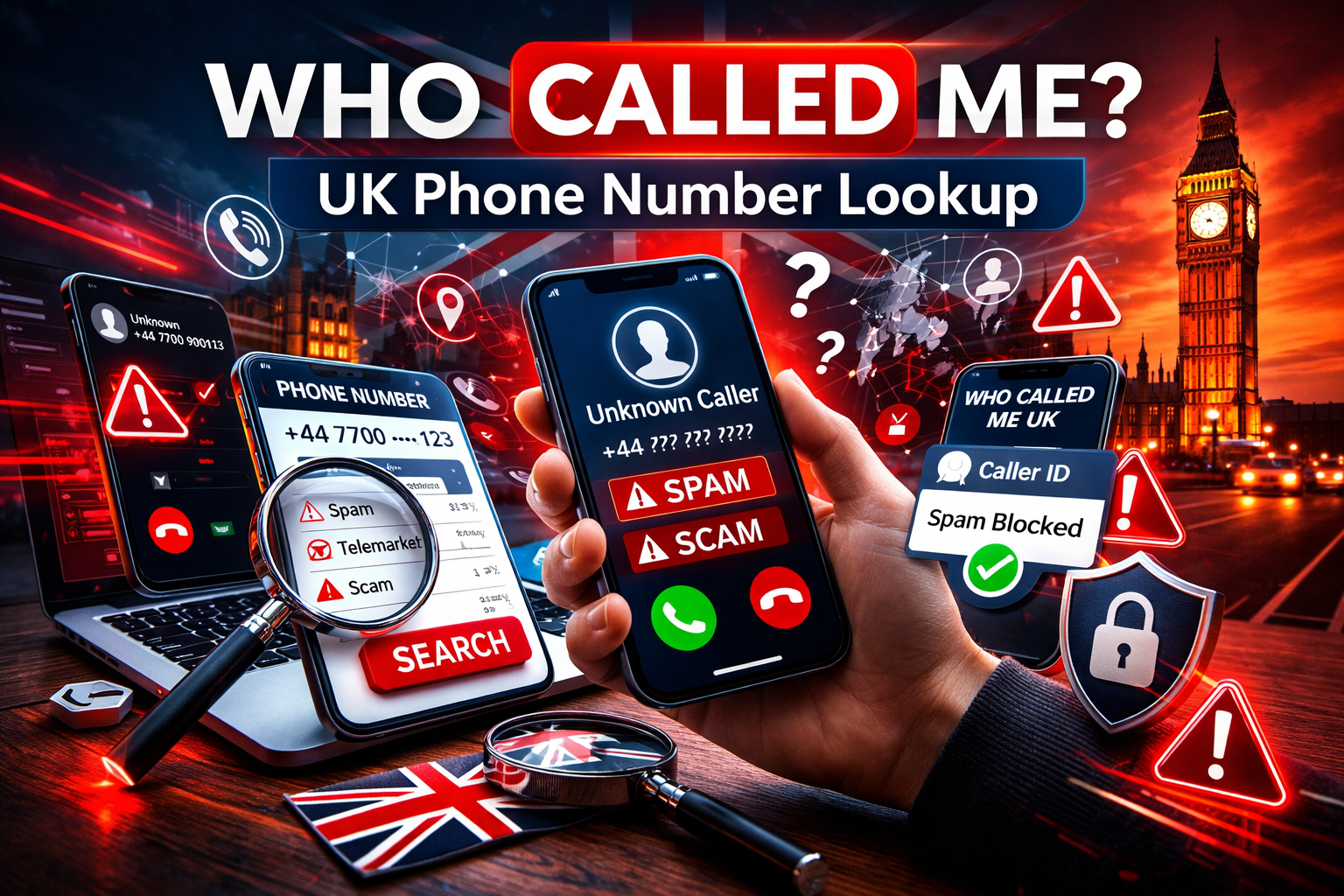
“Who called me?” remains one of the most common searches in the UK after receiving a missed or suspicious call. With rising spam, scam attempts, and number spoofing, millions turn to reverse phone lookup tools for quick answers.
Services like who-called.co.uk and caller ID apps use crowdsourced reports, spam ratings, and database searches to identify whether a number belongs to a legitimate caller, telemarketer, or potential fraudster. Entering a phone number instantly reveals risk levels, user comments, and basic location details, helping you decide whether to return the call, block it, or ignore it.
These platforms draw from user reports, public directories, and telecom data. While no service offers 100% accuracy (due to GDPR privacy rules, number portability, and spoofing techniques), they provide valuable insights that help millions manage unwanted calls safely.
The Rise of “Who Called Me” Services
Unknown and nuisance calls continue to frustrate UK phone users. Although Ofcom data shows a decline in overall unwanted calls compared to previous peaks, complaints about scams and suspicious messages remain significant. Robocalls, phishing, and spoofing (where scammers fake local or trusted numbers) drive demand for reliable identification tools.
Community-powered databases allow users to report numbers as safe, nuisance, spam, or scam. This collective intelligence powers real-time caller ID, automatic blocking, and anti-spoofing features in modern apps.
Leading “Who Called Me” Platforms and Apps
Here are the standout options popular in the UK:
Who Called Me (who-called.co.uk)
A leading UK-focused free reverse phone lookup site. It claims over 6 million monthly users and maintains a large community-driven database.
Simply enter any UK mobile or landline number to see:
- Caller identity or business name (where available)
- Community spam/safety ratings
- User comments and reports
- Basic location indicators
The site requires no sign-up for basic searches and emphasises quick scam alerts. Its companion app, Wotcha: Who Called Me? (free on iOS and Android), adds real-time caller ID, automatic spam blocking, anti-spoofing filters, and a “Who Checked My Number” feature. It boasts high protection rates according to its developers and is praised for UK-specific accuracy.
Truecaller
A global leader with over 500 million monthly active users (as of March 2026, including more than 150 million outside India).
Enter a number on the website or app to view:
- Crowdsourced caller name
- Spam probability score
- Location and call patterns
- User comments
The app excels with live caller ID, automatic spam detection/blocking, and strong performance in high-spam regions. The free version is effective; the premium unlocks an ad-free experience and extra features.
Other Notable Options
- Sync.me: Good for global lookups, showing linked social profiles, photos, and location.
- NumLookup and similar free tools: Simple, no-frills reverse searches.
- International services like Whitepages or Spokeo: More US-focused but usable for some UK/international numbers.
Comparison of Popular Services (2026)
| Service | Free Lookup | Mobile App | Spam Blocking | Strong UK Focus | Key Strength |
|---|---|---|---|---|---|
| Who Called Me / Wotcha | Yes | Yes (Wotcha) | Yes | Excellent | UK community reports |
| Truecaller | Yes | Yes | Yes | Good | Global scale & real-time ID |
| Sync.me | Limited | Yes | Partial | Moderate | Social profile linking |
How Reverse Phone Lookup Works
- Enter the full phone number (include country code for international calls).
- The service queries its database, combining crowdsourced reports, public records, and carrier information.
- Results appear quickly: name/type of number, spam score, comments, and sometimes location.
- In apps, grant caller ID permissions for automatic identification on incoming calls.
Important Limitations
- Results can be outdated or incomplete due to privacy laws.
- Spoofed numbers may appear local but originate elsewhere.
- Ex-directory or protected numbers often return limited information.
- Crowdsourced data can occasionally include errors or malicious reports.
Tips to Handle Unknown Calls Safely
- Let unfamiliar numbers go to voicemail instead of answering immediately.
- Use built-in phone features: iOS “Silence Unknown Callers” or Android spam filters.
- Check the number online first using a trusted site or app before calling back.
- Report persistent spam or scams: In the UK, use Ofcom, the ICO, or your provider’s 7726 (SPAM) texting service.
- Never say “yes” to questions like “Can you hear me?”, a common scam tactic to record your voice.
- Enable notifications and blocking in apps for ongoing protection.
- Be cautious when sharing your own number to reduce exposure.
Summary
In 2026, tools like Who Called Me (who-called.co.uk), its Wotcha app, and Truecaller give UK users effective ways to answer “Who called me?” and reclaim control over their phones. By combining community intelligence with real-time features, these free or low-cost services deliver quick scam warnings, peace of mind, and better call management amid persistent nuisance and fraud attempts.
Always cross-check results and prioritise official reporting channels for serious threats. Staying informed and using the right tools helps minimise disruption from unwanted calls while keeping your phone experience safer.
This version is more accurate, concise where appropriate, visually clearer (with a table), and practically useful. It avoids overclaiming accuracy or user numbers while directing readers to reliable options. If you’d like additions (e.g., more on Ofcom reporting steps, screenshots, descriptions, or focus on a specific app), further tweaks, or a shorter version, just let me know!